
Whether you're a developer building a data pipeline, a marketer tracking competitor prices, or a researcher aggregating information at scale, the right free data scraping tools can save you thousands of dollars while still delivering professional results. But with dozens of options available, knowing which tools are actually worth your time in 2026 is harder than ever.
This guide cuts through the noise. We've evaluated the top free web scraping tools on the market based on real-world usability, feature depth, free plan generosity, and suitability across different experience levels, from complete beginners to seasoned developers. By the end, you'll know exactly which tool fits your workflow.
Understanding Web Scraping
What Is Web Scraping?
Web scraping (also called data extraction or web harvesting) is the automated process of collecting structured data from websites. A scraping tool sends HTTP requests to a target URL, receives the HTML response, and extracts only the fields you care about such as product prices, contact details, article text, stock data and saving the results in a structured format like CSV, JSON, or a database.
In practice, scraping tools vary widely in sophistication. A simple browser extension might highlight and export a table in three clicks. A developer-grade framework like Scrapy can crawl millions of pages per day, following links, handling authentication, and pushing data into cloud storage.
Why Businesses Rely on Web Scraping in 2026
Data is the raw material of modern business strategy, and web scraping is one of the most cost-effective ways to collect it at scale. Key use cases driving adoption in 2026 include:
- Competitive price monitoring: e-commerce brands track competitor pricing in real time to stay competitive without manual research
- Lead generation: sales teams harvest contact data from business directories, LinkedIn, and industry databases
- Market research: product managers aggregate reviews, ratings, and feature mentions across platforms
- Financial intelligence: analysts pull earnings data, SEC filings, and market sentiment from public sources
- SEO monitoring: agencies track SERP rankings, backlink profiles, and competitor content changes
- Academic and journalistic research: researchers collect large datasets that would take months to compile manually
- Real estate intelligence: property platforms aggregate listing data, pricing trends, and neighborhood statistics
Legal and Ethical Considerations
Web scraping is a legally nuanced area, and any serious guide should address it directly. The short version: scraping publicly available data is generally lawful in most jurisdictions, but there are important caveats.
Always review a site's Terms of Service before scraping, many explicitly prohibit automated access, and violating ToS can expose you to legal risk even if the data itself is public. You should also respect robots.txt directives, which signal which parts of a site the owner doesn't want crawled. Throttle your request rate to avoid disrupting the target server; aggressive scraping can be characterized as a denial-of-service attack.
From a privacy standpoint, GDPR in Europe and CCPA in California impose strict requirements around collecting, storing, or processing personal data, even from public sources. If your scraping involves names, email addresses, or other personally identifiable information, consult a legal professional before proceeding.
The ethical baseline: scrape responsibly, don't scrape what isn't meant to be public, and don't use scraped data in ways that harm the people or organizations it relates to.
How We Evaluated the Top Free Web Scraping Tools
Selecting the best free data extraction tools isn't just about feature counts. We evaluated each tool across five criteria:
Usability: How quickly can a new user get their first successful scrape? Does the interface match the experience level it targets?
Feature Set: What does the free tier actually include? Can it handle JavaScript-rendered content, pagination, and login-gated pages?
Free Plan Generosity: How much can you realistically accomplish without paying? What are the hard limits (pages/month, projects, export formats)?
Scalability: Can the tool grow with your needs, or will you hit a ceiling quickly?
Community and Support: Is there active documentation, a user community, or responsive support if you get stuck?
Every tool on this list was assessed against all five criteria. The ranking reflects a balance across them, not just raw feature power.
Top Free Web Scraping Tools in 2026
1. Thunderbit: Best AI-Powered Scraper for Non-Technical Users
Best for: Business users and non-developers who want instant results
Platform: Chrome extension + web app
Free plan: Limited pages per month; no coding required
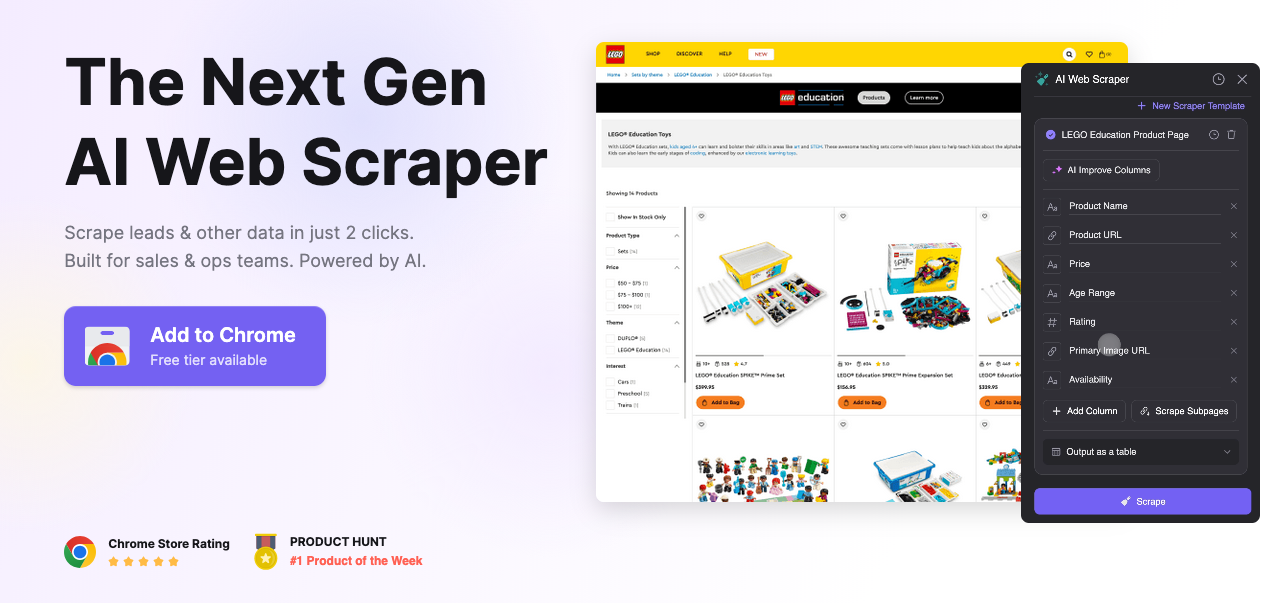
Thunderbit is the most notable new entrant in the free web scraping tools space in recent years, bringing AI-assisted extraction to a genuinely accessible interface. Rather than requiring you to define CSS selectors or write XPath expressions, Thunderbit uses an AI layer to automatically identify and label data fields on any page, you describe what you want in plain language, and the tool figures out how to get it.
For scraping product listings, directories, job boards, or real estate data, Thunderbit dramatically reduces setup time. It handles JavaScript-rendered pages natively (since it runs in your browser), supports multi-page crawling, and exports cleanly to spreadsheets and other formats.
The free tier is generous enough for light use, though high-volume projects will hit limits quickly. For non-technical users who previously had no viable free option beyond basic browser extensions, Thunderbit is a genuine step change.
Pros: AI-assisted field detection, no coding required, handles JavaScript natively, fast setup
Cons: Free tier page limits, less suited for large-scale or programmatic scraping
2. ParseHub: Best Free Desktop Scraper for Complex Sites
Best for: Non-developers who need to scrape JavaScript-heavy, multi-page sites
Platform: Windows, macOS, Linux (desktop app)
Free plan: 200 pages per run, 5 projects, public data only
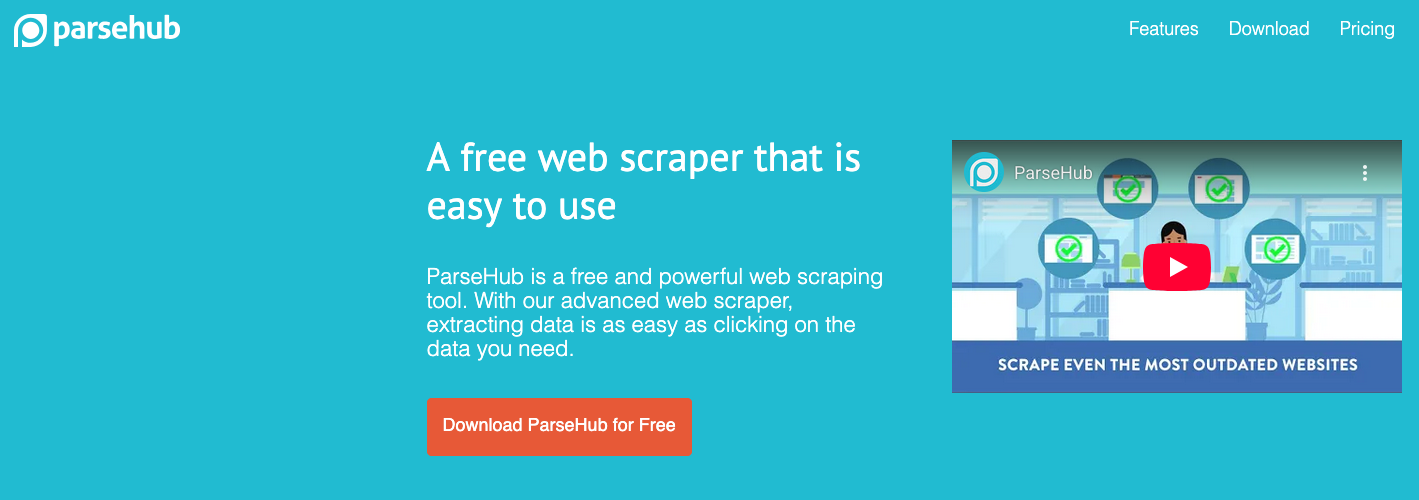
ParseHub is a desktop application that uses a point-and-click interface to build scraping workflows capable of handling some surprisingly complex scenarios: infinite scroll, dropdown menus, AJAX-loaded content, and multi-level navigation. You train the scraper by clicking on elements in a built-in browser, and ParseHub learns the pattern and applies it across pages.
What sets ParseHub apart from simpler browser extensions is its conditional logic, you can tell it to "only select items where the price is under $50" or "follow this link only if this element is present." This kind of extraction logic usually requires coding knowledge in other tools, but ParseHub wraps it in a visual interface.
The free plan limits you to 200 pages per run and 5 concurrent projects, and data from free-tier scrapes is publicly accessible on ParseHub's servers (a consideration if your data is sensitive). For within those constraints, it's one of the most capable free data scraping tools for non-developers.
Pros: Handles JavaScript and AJAX, visual workflow builder, conditional logic without coding
Cons: Free plan is public-data only, 200-page run limit, desktop app requires installation
3. WebScraper.io: Best Browser Extension for Structured Crawling
Best for: Intermediate users who want to build sitemaps and crawl multiple pages
Platform: Chrome and Firefox extension + cloud version
Free plan: Browser extension is fully free; cloud version has limits
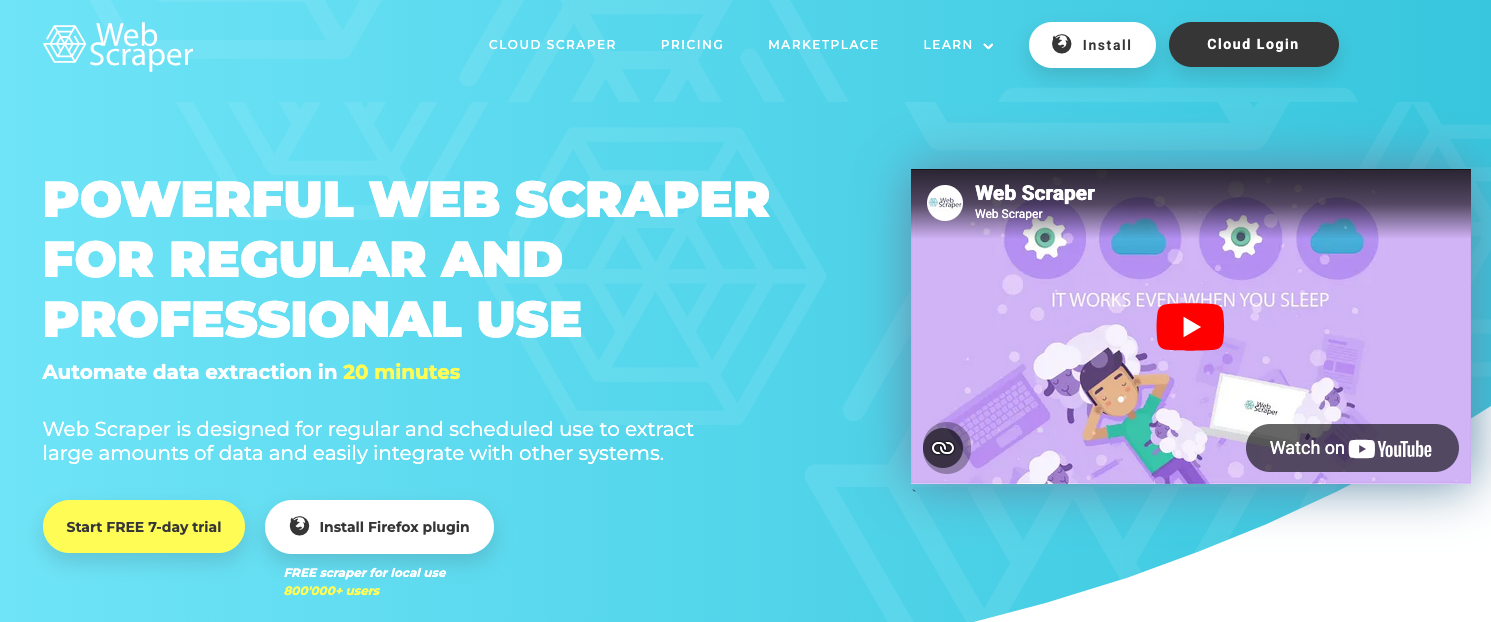
WebScraper.io occupies a middle ground between the simplicity of highlight-and-click extensions and the power of desktop tools. You build a "sitemap", a structured set of rules defining which pages to visit and what to extract from each, entirely within the browser's developer tools panel. It's more involved than clicking on elements, but more flexible than most free alternatives.
The extension handles pagination natively, can follow links to child pages, and extracts multiple data types including text, links, tables, and images. Results export to CSV. The free browser extension is genuinely unlimited in terms of pages and projects; the main limitation is that scraping runs in your browser tab, so your computer needs to stay active during a crawl.
A cloud version (paid) moves execution off your machine for unattended crawling. For users comfortable with a modest learning curve, the free extension version of WebScraper.io is one of the best values on this list.
Pros: Fully free browser extension, supports multi-page crawling, active community and documentation
Cons: Scraping ties up your browser tab, steeper learning curve than basic extensions
4. Octoparse: Best Free Tool for Beginners Who Need Templates
Best for: Beginners and small teams who want pre-built scraping templates
Platform: Windows, macOS, web app
Free plan: 10,000 records/month, 10 crawlers, local export only
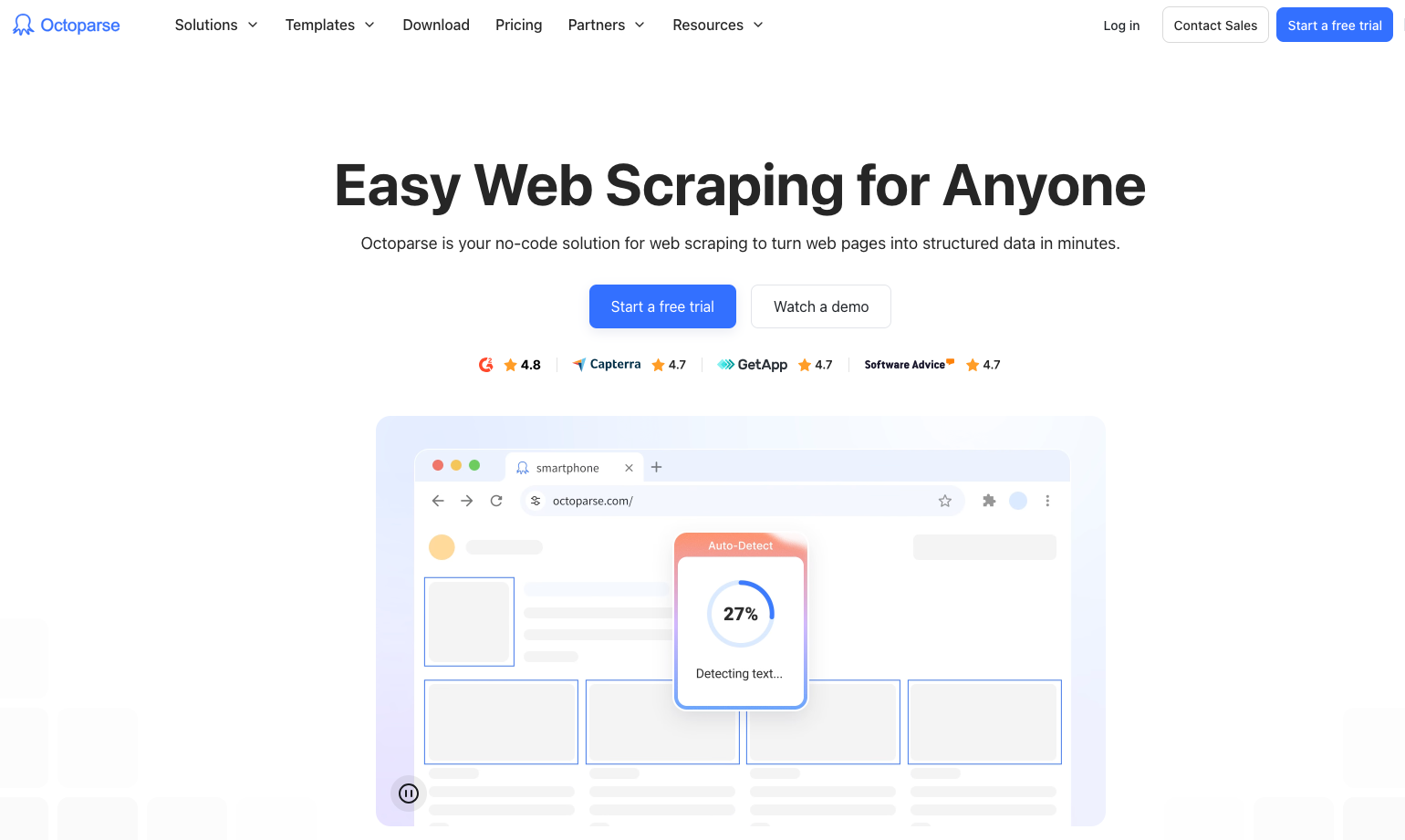
Octoparse is a polished, GUI-based web scraping tool that has long been a popular recommendation for non-developers, and its 2026 version continues to earn that reputation. Its standout feature for new users is its library of pre-built templates for common websites such as Amazon, Yelp, LinkedIn, Twitter, and dozens more, meaning you can start extracting data from these platforms in minutes without configuring anything.
For custom sites, Octoparse's auto-detect mode can identify page elements and suggest a scraping structure automatically. It handles JavaScript rendering, infinite scroll, login-required pages, and AJAX content without any additional setup. The built-in IP rotation in paid tiers helps avoid blocks, though the free plan doesn't include this.
The free plan's 10,000 record/month limit is workable for light use, and local CSV export is included. The main restrictions are the absence of cloud scheduling and the cap on concurrent crawlers.
Pros: Pre-built templates for major websites, auto-detect mode, handles complex sites, polished UI
Cons: Free plan caps at 10,000 records/month, no cloud scheduling on free tier
5. Apify: Best Free Cloud Platform for Developers
Best for: Developers who want a cloud-based scraping platform with ready-made actors
Platform: Cloud (web app) + SDK
Free plan: $5 platform credits/month (resets monthly)
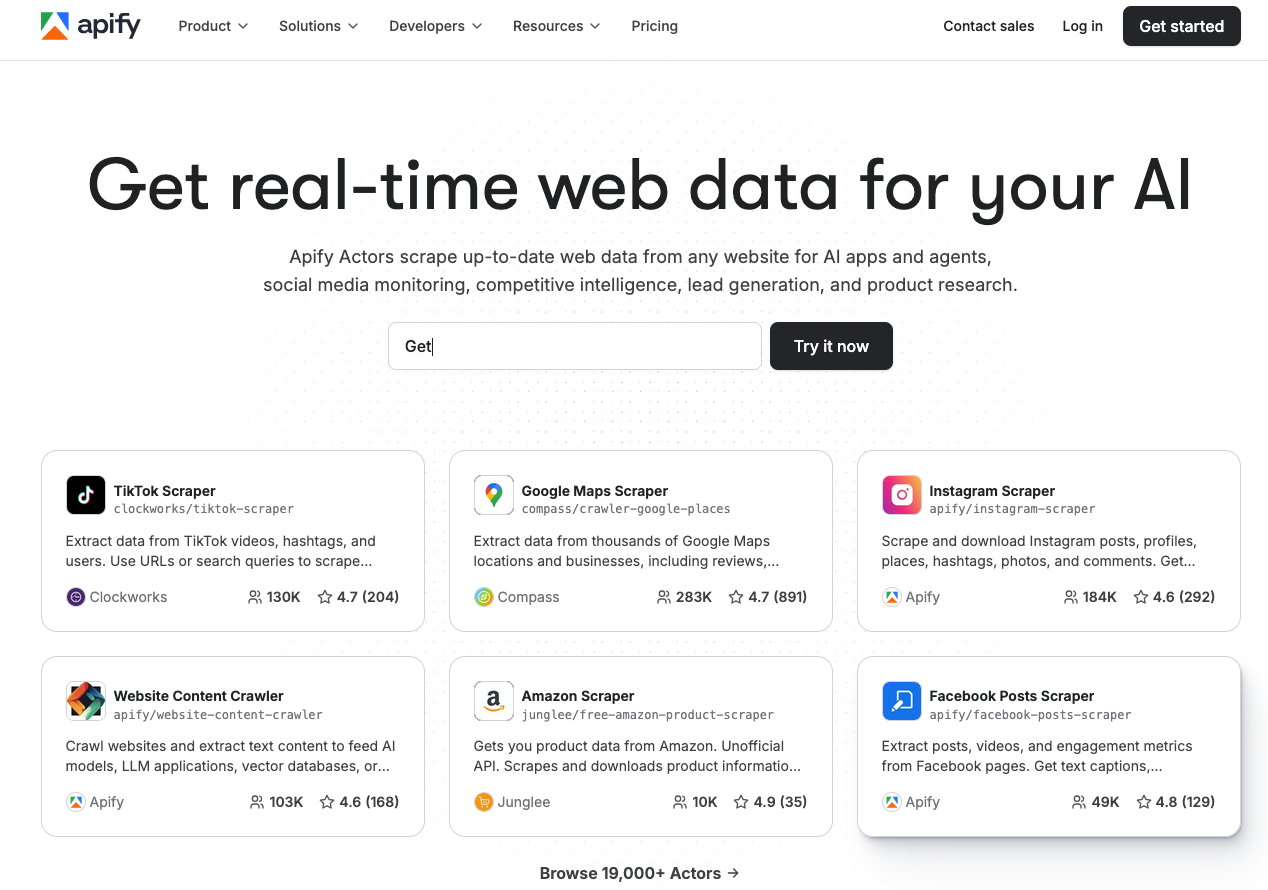
Apify is a cloud-based web scraping and automation platform that stands out in the free tier landscape by offering monthly platform credits rather than a hard page or project limit. Those credits power "Actors" are pre-built, open-source scraping scripts for specific sites and use cases (Google Maps, Instagram, Amazon, Booking.com, and thousands more) as well as custom scrapers you build with Apify's SDK.
This model makes Apify unusually flexible: $5/month in free credits can go a long way on lightweight scraping tasks, especially if you're using efficient Actors. The platform handles all infrastructure: proxy rotation, browser rendering, scheduling, and result storage are all managed for you. Output is available as JSON, CSV, or via API.
For developers who want a production-grade scraping infrastructure without the upfront cost, Apify's free tier offers a compelling on-ramp. The learning curve is steeper than GUI-based tools, but the Apify SDK is well-documented and the community of shared Actors is extensive.
Pros: Cloud-based (no local installation), massive library of pre-built Actors, managed infrastructure, API output
Cons: Free credits can deplete quickly on heavy tasks, developer-oriented (less beginner-friendly)
6. Scrapy: Best Open Source Framework for Python Developers
Best for: Python developers who need maximum speed and scalability
Platform: Windows, macOS, Linux
Free plan: Fully free and open source
Scrapy remains the gold standard of open-source web scraping frameworks in 2026. It's a full Python framework for building spiders, basically code-defined crawlers that traverse websites, extract structured data, and feed it into processing pipelines. Scrapy can handle thousands of pages per minute, runs asynchronously for maximum throughput, and integrates natively with data stores, APIs, and cloud platforms.
Key capabilities include XPath and CSS selectors for precise data targeting, built-in support for cookies, sessions, and authentication, a robust middleware system for handling proxies and retries, and export pipelines to JSON, CSV, XML, and databases. Scrapy's ecosystem is also extensive: tools like Scrapy-Splash and Scrapy-Playwright extend it to handle JavaScript rendering without abandoning the framework.
For developers comfortable with Python, Scrapy is unmatched in the free tier. It will scale from a hundred pages to hundreds of millions without changing your code architecture.
Pros: Extremely fast, infinitely scalable, open source, huge ecosystem and community
Cons: Requires Python knowledge and command-line comfort, JavaScript handling requires add-ons

7. Browserless: Best for Headless Browser Scraping and Automation
Best for: Developers building JavaScript-heavy scrapers or browser automation workflows
Platform: Cloud API + self-hosted Docker
Free plan: Limited free API calls per month
Browserless provides cloud-based headless Chrome infrastructure as a service, essentially, it lets you run Puppeteer and Playwright scripts in the cloud without managing browser instances yourself. For scraping modern web applications built on React, Angular, or Vue (where content is rendered client-side by JavaScript), a headless browser is often the only viable approach, and Browserless makes that infrastructure accessible.
The free plan offers a limited number of API calls per month, which is enough for development and light production use. For teams building scraping pipelines that need to handle complex JavaScript rendering without managing their own browser fleet, Browserless dramatically simplifies the architecture.
It's a developer-oriented tool that you'll need to write Puppeteer or Playwright code but for teams already using those libraries, Browserless is a natural and cost-effective fit.
Pros: Managed headless Chrome, works with Puppeteer/Playwright, cloud-based (no browser management)
Cons: Requires coding, free tier limited to low volume, adds a network dependency
8. ScraperAPI: Best for Bypassing Anti-Scraping Measures
Best for: Developers dealing with CAPTCHAs, IP blocks, and rate limiting
Platform: API (any language)
Free plan: 1,000 API calls/month
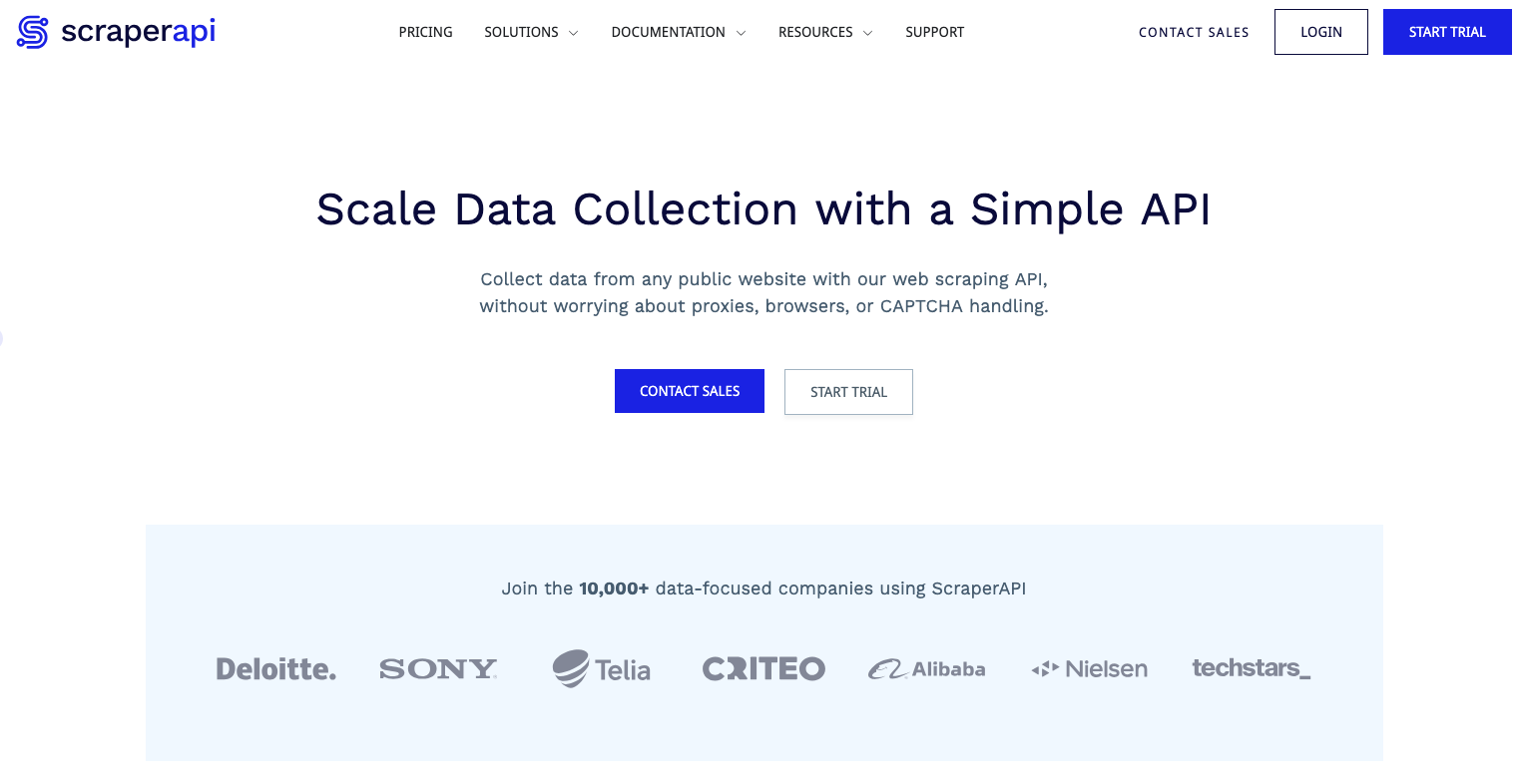
ScraperAPI solves a specific and painful problem: getting blocked. Rather than being a scraping tool itself, ScraperAPI is a proxy and rendering API that sits in front of your scraping code. You send your target URL to ScraperAPI; it handles IP rotation, CAPTCHA solving, browser rendering, and geolocation spoofing; and returns the clean HTML to your scraper.
This means you can keep writing your scraper in whatever language or framework you prefer (Python, Node.js, Ruby, PHP) while offloading the anti-bot cat-and-mouse game entirely. The free tier includes 1,000 API calls per month which is modest, but enough to test your workflows or handle low-volume production use cases.
For developers whose scrapers keep getting blocked, integrating ScraperAPI is often the fastest path to a working, reliable pipeline.
Pros: Handles CAPTCHAs and IP rotation automatically, language-agnostic API, easy integration
Cons: Free tier is limited to 1,000 calls/month, adds latency, not a complete scraping solution on its own
Real-World Applications and Use Cases
Understanding which tool to use becomes easier when you see how web scraping is applied across industries:
E-commerce and Retail: Online retailers use best data extraction tools to monitor competitor pricing across thousands of SKUs in real time, triggering automatic price adjustments to stay competitive. Marketplaces scrape product listings to detect counterfeit goods or policy violations.
Financial Services: Hedge funds and analysts scrape earnings reports, SEC filings, news sentiment, and alternative data sources (job postings, satellite imagery metadata, shipping data) to build proprietary investment signals. Even individual investors use scrapers to track insider trading disclosures or analyst rating changes.
Real Estate: Proptech platforms aggregate listing data, price histories, and neighborhood statistics from dozens of listing sites to power valuation models and market reports. Agents use scrapers to monitor new listings and price drops in target areas.
Recruitment and HR: Talent teams scrape job boards to benchmark compensation data, identify talent pools, and track competitor hiring patterns. Candidates use scrapers to monitor new openings matching their criteria across multiple platforms.
Academic Research: Social scientists and data journalists use web scraping to collect datasets that would be impossible to compile manually, political discourse on social media, pricing trends across thousands of products, or patterns in public government records.
Travel and Hospitality: Travel agencies and booking platforms scrape airfare and hotel pricing across competitors to power price comparison tools and guarantee best-price claims.
Free Plan Limitations: What to Expect
Before committing to any free web scraping tool, it's important to understand the real-world constraints you'll face. Most free tiers limit you in one or more of the following ways:
Page or record limits are the most common restriction. Tools like Octoparse (10,000 records/month) and ParseHub (200 pages/run) cap how much data you can collect before needing to upgrade. For small or infrequent projects this is fine; for ongoing monitoring or large datasets, you'll hit the ceiling quickly.
No cloud scheduling is a frequent free-tier omission. Many tools require you to manually trigger scraping runs on the free plan, meaning you can't set up automated daily or weekly crawls without upgrading. This significantly limits use cases like price monitoring or news aggregation.
Public data storage is a notable catch on some platforms (including ParseHub's free tier). Data you collect may be stored on shared or public infrastructure, making it inappropriate for sensitive or proprietary research.
Limited concurrency means you can only run a small number of crawlers simultaneously on the free plan. Large projects that benefit from parallel crawling, like scraping a product catalog spread across thousands of pages will run much slower.
No proxy rotation is common on free tiers, meaning you're scraping from your own IP address. Sites with aggressive anti-bot measures will block you faster, and you have no built-in workaround.
When to upgrade: If you're doing any of the following, a paid plan or dedicated platform is worth considering, scraping more than ~50,000 records/month, needing daily automated runs, scraping sites that actively block bots, or working with data that requires private storage.
How to Choose the Right Web Scraping Tool For Your Needs
User Type Guide
Complete beginners should start with Thunderbit or Octoparse. Both offer GUI-based interfaces, require no coding, and include pre-built templates that get you to your first successful scrape in minutes. Don't start with a developer framework, the setup friction will slow you down before you've even proven your use case.
Intermediate users who are comfortable with browsers and basic logic should look at ParseHub, WebScraper.io, or Octoparse. These tools offer meaningful power without requiring programming knowledge, and they handle JavaScript-rendered pages that defeat simpler browser extensions.
Developers should go straight to Scrapy for pure Python scraping, or Apify if they want managed cloud infrastructure. If bypassing anti-bot measures is a priority, integrate ScraperAPI. For scraping heavily JavaScript-dependent applications, Browserless paired with Playwright is the most robust approach.
Feature Analysis
Beyond experience level, match your tool to your specific technical requirements:
JavaScript-rendered content (SPAs, infinite scroll, AJAX): Thunderbit, Octoparse, ParseHub, Browserless
Large-scale crawling (100,000+ pages): Scrapy, Apify
Avoiding IP blocks and CAPTCHAs: ScraperAPI, Apify (with proxy support)
No coding required: Thunderbit, Octoparse, ParseHub, WebScraper.io
Cloud execution (no local machine required): Apify, ScraperAPI, Browserless
Open source/self-hostable: Scrapy, WebScraper.io (extension), Browserless (Docker)
Community support and documentation quality matters more than many buyers realize. Scrapy, Apify, and WebScraper.io all have large, active communities with extensive tutorials and Stack Overflow coverage. Newer tools like Thunderbit have smaller but growing communities. Factor this in if you expect to hit edge cases — and you will.
Comparing Different Web Scraping Approaches
Browser Extension vs. Desktop App vs. Cloud
Browser extensions (Thunderbit, WebScraper.io) run inside your browser, which means they handle JavaScript natively and require zero installation beyond the extension itself. The tradeoff is that scraping ties up your browser tab, and you're limited to your local machine's IP address and computing resources. Best for: quick, occasional, low-volume tasks.
Desktop applications (ParseHub, Octoparse) install locally and offer more sophisticated workflow builders than browser extensions, including conditional logic and multi-step navigation. They run independently of your browser session, but still tie your scraping to your local machine, if your laptop sleeps, the crawl stops. Best for: medium-complexity projects where you want a GUI but need more power than an extension provides.
Cloud platforms (Apify, ScraperAPI, Browserless) execute scraping in the cloud entirely. Your machine doesn't need to stay on, proxies can be rotated automatically, and scaling up is a matter of adjusting a settings slider rather than provisioning your own servers. The tradeoff is cost at scale and a dependency on a third-party platform. Best for: production scraping workflows, scheduled automated runs, or projects requiring anti-bot measures.
Open Source vs. Managed
Open source tools (Scrapy, WebScraper.io extension) give you complete control, no usage limits, and no vendor dependency. The costs are your own time to manage infrastructure, debug issues, and handle platform-specific quirks. If your team has the engineering resources, open source is typically the most scalable and cost-effective path.
Managed platforms (Apify, Octoparse, Thunderbit) abstract away infrastructure complexity in exchange for a subscription fee beyond free tier limits. For teams without dedicated engineering resources, or for use cases where speed of setup matters more than cost optimization, managed tools win on practicality.
Emerging Trends and the Future of Web Scraping
AI-assisted extraction is the most significant shift happening right now. Tools like Thunderbit demonstrate how natural language interfaces and AI-powered field detection are making scraping accessible to users who would never write a CSS selector. Expect this pattern to spread across the category as foundation model costs continue to fall.
Anti-scraping countermeasures are accelerating. The proliferation of bot detection services (Cloudflare, DataDome, PerimeterX) has raised the bar for reliable scraping. In response, scraping tools are building increasingly sophisticated browser fingerprinting evasion, behavioral mimicry, and residential proxy integration. The arms race between scrapers and site defenses will intensify through 2026 and beyond.
Headless browser scraping is becoming the default, not the exception. As more of the web is rendered client-side by JavaScript frameworks, HTTP-only scrapers (which never execute JavaScript) are increasingly unable to access the content they need. Tools that don't support headless browsing are gradually becoming less relevant.
Structured data via LLMs is an emerging alternative to traditional scraping. Rather than writing precise selectors, some newer approaches pass raw HTML to a large language model and ask it to extract specific fields in a structured format. This is slower and more expensive per page than traditional scraping, but dramatically reduces the fragility of scrapers when page layouts change.
Regulatory scrutiny is increasing. Data protection regulations continue to expand globally, and several high-profile court cases have clarified (and in some cases narrowed) the legal standing of web scraping. Teams operating at scale should treat legal compliance as a first-class engineering requirement, not an afterthought.
Expert Tips and Best Practices
Respect rate limits, even if the site doesn't enforce them. Sending thousands of requests per minute to a single server is bad practice regardless of legality. Use built-in throttling features or add deliberate delays between requests. Aim to scrape at a pace that a human user could plausibly achieve.
Always check robots.txt first. Before writing a single line of scraping code, visit yourtargetsite.com/robots.txt to see what the site owner has asked automated visitors not to access. Respecting these directives is both ethical and legally prudent.
Build in error handling and retries from day one. Websites change their structure without warning, servers return intermittent errors, and network timeouts happen. A scraper without robust error handling will silently fail and leave you with incomplete data. Use exponential backoff for retries and log all failures.
Monitor your scrapers continuously. The only thing worse than a scraper that fails is one that fails silently and you don't notice for two weeks. Set up alerts for unexpected drops in record count, increased error rates, or changes in data schema.
Use a rotating proxy service if scraping at scale. Sending many requests from a single IP address is one of the fastest ways to get blocked. Cloud platforms like Apify and ScraperAPI handle this automatically; if you're running your own Scrapy spiders, integrate a residential proxy pool.
Store raw HTML alongside your extracted data. Extraction logic breaks when sites change their layout. If you've stored the raw HTML, you can re-parse it without re-crawling, saving time, resources, and your IP reputation.
Test on a small subset before running a full crawl. Always validate your selectors and extraction logic on a handful of pages before launching a large crawl. A misconfigured scraper that runs for 12 hours before you notice it's capturing the wrong fields is an expensive mistake.
Quick Comparison: Free Data Scraping Tools at a Glance
| Tool | Best For | Coding Required? | JavaScript Support | Free Tier Limit | Cloud-Based? |
|---|---|---|---|---|---|
| Thunderbit | Non-technical users | No | Yes | Pages/month | Partial |
| ParseHub | Visual workflow building | No | Yes | 200 pages/run | No |
| WebScraper.io | Multi-page crawling | No (low) | Limited | Unlimited (browser) | Paid only |
| Octoparse | Templates + beginners | No | Yes | 10,000 records/mo | Paid only |
| Apify | Cloud + developer platform | Yes | Yes | $5 credits/mo | Yes |
| Scrapy | Python developers | Yes (Python) | With add-ons | Unlimited (OSS) | Self-managed |
| Browserless | Headless browser automation | Yes | Yes | Limited API calls | Yes |
| ScraperAPI | Anti-bot bypass | Yes | Yes | 1,000 calls/mo | Yes |
Conclusion
Free scraping tools are a great starting point, but as your needs grow, managing proxies, blocked requests, broken scrapers, and scheduling quickly becomes a job in itself. That's where DataHen comes in.
DataHen is a fully managed web scraping service that handles all the messy parts for you from bypassing anti-bot measures to delivering clean, structured data at scale so your team can focus on using the data, not collecting it.
Get in touch with DataHen to learn how we can power your data needs.
Frequently Asked Questions
Is web scraping legal in 2026?
Scraping publicly available data is generally lawful in most jurisdictions, but legality depends on how data is collected, what it's used for, and who it's about. Always review a site's Terms of Service, respect robots.txt, and be especially cautious around personally identifiable information given GDPR and CCPA requirements. When in doubt, consult legal counsel.
What is the best free web scraping tool for beginners in 2026?
Thunderbit and Octoparse are the strongest choices for beginners. Both require no coding, offer pre-built templates or AI-assisted setup, and can get you to your first successful scrape in minutes.
Can free web scraping tools handle JavaScript-heavy websites?
Yes, but not all of them. Thunderbit, ParseHub, Octoparse, Browserless, and ScraperAPI all handle JavaScript-rendered content effectively. Command-line tools like Scrapy require additional libraries (Playwright, Splash) to execute JavaScript. Basic browser extensions often struggle with modern SPAs.
What are the biggest limitations of free scraping plans?
The most common limitations are monthly record or page caps, no cloud scheduling (requiring you to trigger scrapes manually), public data storage, no proxy rotation, and limited concurrent crawlers. For ongoing, automated, high-volume use cases, these restrictions quickly become blockers.
When should I use a dedicated scraping platform instead of a free tool?
When you need reliable daily scheduling, anti-bot measures, private data storage, or volumes exceeding ~50,000 records per month. A managed platform like DataHen can also eliminate significant engineering overhead such as handling proxy rotation, browser rendering, retries, and infrastructure scaling so your team can focus on the data itself rather than the plumbing.
What's the difference between a web scraper and a web crawler?
A crawler follows links to discover and index content across many pages (like a search engine spider). A scraper extracts specific data fields from pages. Most production scraping tools do both: crawl to find pages, then scrape to extract data from each one.